
Anúncios
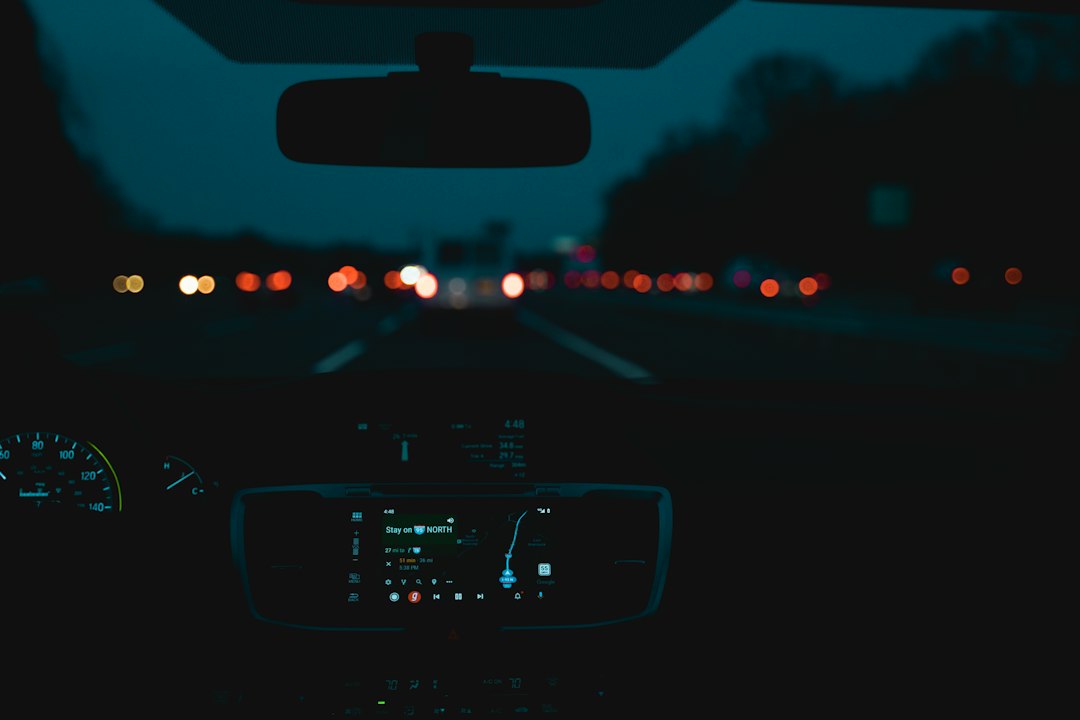
Driving at night brings unique challenges, and a reliable night GPS app can make dark roads feel safer and far less stressful. 🌙
Nighttime navigation isn’t just daytime driving with the lights off. Reduced visibility, glare from oncoming traffic, and fatigue all change how we interact with our phones and dashboards.
That’s why choosing the right GPS app for night driving matters more than most people realize. The right settings and features can genuinely reduce accidents and anxiety behind the wheel.
Why Standard Navigation Apps Fall Short After Dark#
Most navigation apps are designed with daytime use in mind first. Bright white screens, small text, and aggressive backlighting can actually blind drivers temporarily when glancing at a phone mounted on the dashboard.
Studies on driver distraction from the National Highway Traffic Safety Administration show that even a two-second glance away from the road increases crash risk significantly. At night, that risk multiplies because your eyes need extra time to readjust to darkness after looking at a bright screen.
A proper nighttime GPS app addresses this with automatic dimming, warmer color temperatures, and larger, high-contrast text that’s readable without straining your eyes.


The Science Behind Night Mode Displays#
Night mode isn’t just a dark background. Good implementations reduce blue light wavelengths, which are known to interfere with your eyes’ ability to adapt to low-light conditions.
- Blue light reduction: Minimizes pupil constriction caused by bright screens
- Contrast ratios: Text should maintain at least a 4.5:1 contrast ratio for readability
- Auto-brightness sync: Should match ambient light instead of staying fixed
- Icon simplification: Fewer visual elements mean faster recognition at a glance
Key Features to Look For in a Night Driving App#
Not every app handles darkness the same way. Some genuinely improve your experience, while others just invert colors and call it a day.
Automatic Day-to-Night Transitions#
Apps like Waze and Google Maps detect sunset times based on your GPS location and automatically switch themes. This removes the need to manually toggle settings every evening, which is one less distraction while driving.
Voice Guidance Priority#
At night, voice instructions become even more valuable because visual confirmation takes longer. A strong night GPS app should offer:
- Clear, natural-sounding voice prompts with adjustable volume
- Early warnings for turns (at least 500 meters ahead on highways)
- Street name pronunciation instead of generic directions
- Alerts for speed cameras, police checkpoints, and road hazards
Hazard and Obstacle Alerts#
Community-driven apps shine here. Waze, for instance, relies on real-time user reports to flag pedestrians, animals crossing, stalled vehicles, and poor lighting conditions on specific stretches of road.
This kind of crowdsourced data becomes incredibly useful after dark, when visual hazards are harder to spot until you’re already close to them.
Comparing Popular Night Navigation Apps#
Here’s a practical breakdown of how major apps perform specifically for nighttime driving scenarios:
| App | Night Mode Quality | Hazard Alerts | Offline Maps | Voice Clarity |
|---|---|---|---|---|
| Waze | Automatic, warm tones | Real-time, community-based | Limited | Excellent |
| Google Maps | Automatic, high contrast | Basic traffic alerts | Yes | Very good |
| HERE WeGo | Manual toggle | Minimal | Yes, full offline | Good |
| Sygic | Automatic, customizable | Speed camera focus | Yes | Good |
Waze tends to be the strongest pick for urban night driving because of its hazard reporting community, while HERE WeGo wins for drivers heading into rural areas with spotty signal.
Practical Settings to Adjust Before You Drive at Night#
Downloading the app is only step one. A few quick adjustments make a real difference once the sun goes down.
Screen Brightness and Mounting Position#
Position your phone mount slightly lower than eye level so the screen glow doesn’t interfere with your peripheral vision of the road ahead. Lower the brightness manually if auto-adjust feels too aggressive in pitch-black areas.
Route Preferences#
Consider enabling “avoid unlit roads” or similar settings if your app supports them. Some apps, including Sygic, let you prioritize routes with better street lighting, even if it adds a few extra minutes to your trip.
Battery and Power Management#
Night trips often mean longer drives on highways. GPS apps drain batteries quickly due to constant screen use and location tracking. Keep a car charger handy, and consider enabling battery saver modes that reduce screen refresh rates without disabling navigation accuracy.

Waze Navigation & Live Traffic
Installs500M+
Size238.2MB
PlatformAndroid/iOS
PriceFree
Information about size, installs, and rating may change as the app is updated in the official stores.
Common Mistakes Drivers Make With Night Navigation#
Even experienced drivers misuse their GPS apps in ways that increase risk after dark. Recognizing these habits helps you avoid them.
- Setting the destination while driving: Always input your route before starting the engine, not at a red light or while moving
- Ignoring voice settings: Muting audio and relying solely on the screen increases glance frequency
- Using outdated map data: Offline maps that haven’t synced in months may miss new road closures or construction
- Full brightness in rural darkness: This creates a stronger contrast shock when looking away from the screen
How Fatigue Changes Navigation Behavior#
Driver fatigue studies show that tired drivers check their phones more frequently, often due to reduced confidence in memory and spatial awareness. A well-designed night GPS app compensates for this by giving clearer, earlier instructions that require less mental processing.
Offline Maps: A Night Driving Essential#
Rural highways and mountain passes often have unreliable cell coverage, which becomes more dangerous at night when visual landmarks are harder to identify.
Downloading offline map regions before a trip isn’t just convenient, it’s a safety measure. Google Maps and HERE WeGo both allow full offline functionality, including turn-by-turn voice guidance, without needing an active data connection.
Before any long night drive, check these three things:
- Offline maps are downloaded and updated for your entire route
- Your phone has at least 50% battery or is connected to a charger
- You’ve tested voice guidance volume against your car’s road noise level
Making the Right Choice for Your Driving Habits#
The best night driving GPS app depends heavily on where and how often you drive. City commuters benefit most from Waze’s real-time community alerts, while long-haul or rural drivers should prioritize offline capability and lighting-aware routing.
Whatever app you choose, take ten minutes before your next night trip to review its display settings, voice preferences, and offline map coverage. That small setup time translates directly into safer, more confident driving once the sun sets. 🚗💡

Keep reading
You might also like

Best Dating App for Single Women to Meet Men Safely
Meeting new people as a single woman today means balancing curiosity with caution, especially when it comes to online dating and first…

Bumble For Friends: Easy Women’s Friendship App Without Complicated Registration
Meeting new friends as an adult feels harder than it should — especially for women seeking genuine connections without the pressure of…